Audio Support
If the camera supports an audio input, it is possible to have it recorded and played with the G-Core server. The audio input can be a line-in or microphone.
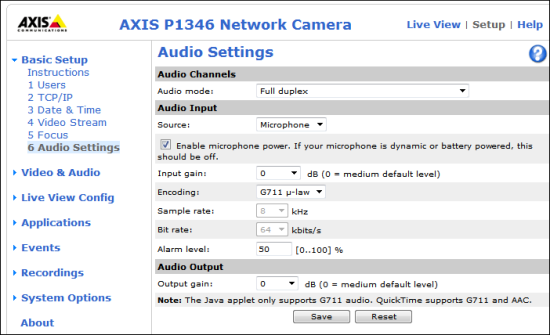
To stream audio, this feature must be configured in the camera. Encodingmust be set to G711 u-law or G726 because the G-Core server cannot process all other encoder types. The other settings can be specified according to your needs.
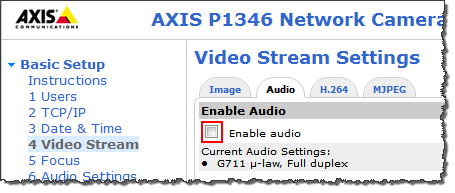
Also you must ensure that streaming audio is allowed. To do so, go to Video Stream and select the Audio tab. Select Enable Audio there.
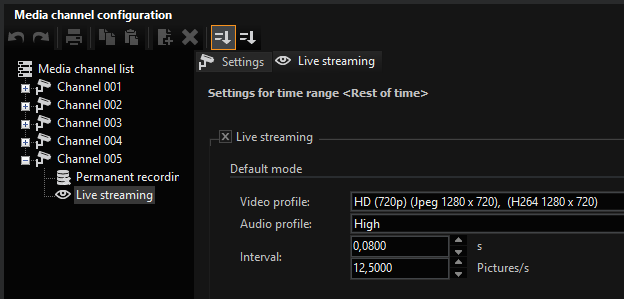
As a last step, you have to choose whether to store audio should be used for recording and/ or live streaming.
In G-Set select an audio profile for the corresponding channel. It does not matter which profile you choose (high, medium, low), it is only important that you select a profile.