Enable Use of Global
Open G-SIM Ports
See the complete list of all G-SIM ports (see Firewall Settings) that must be opened for your specific application. In addition to these ports, open the following ports specifically for using G-SIM Global:
|
Port |
Description |
|---|---|
|
UDP 8090 |
Port used by servers to exchange status messages with each other. |
|
TCP 8092 |
Port used by DAS for on-demand requests for alarm data, process data, and audit data, as well as for communication with other G-SIM servers in the Global environment to enforce synchronization when a user changes. |
|
TCP 9092 |
The G-SIM server Kafka client communicates with other Kafka servers via the IP address of the G-SIM server, using this port for communication. |
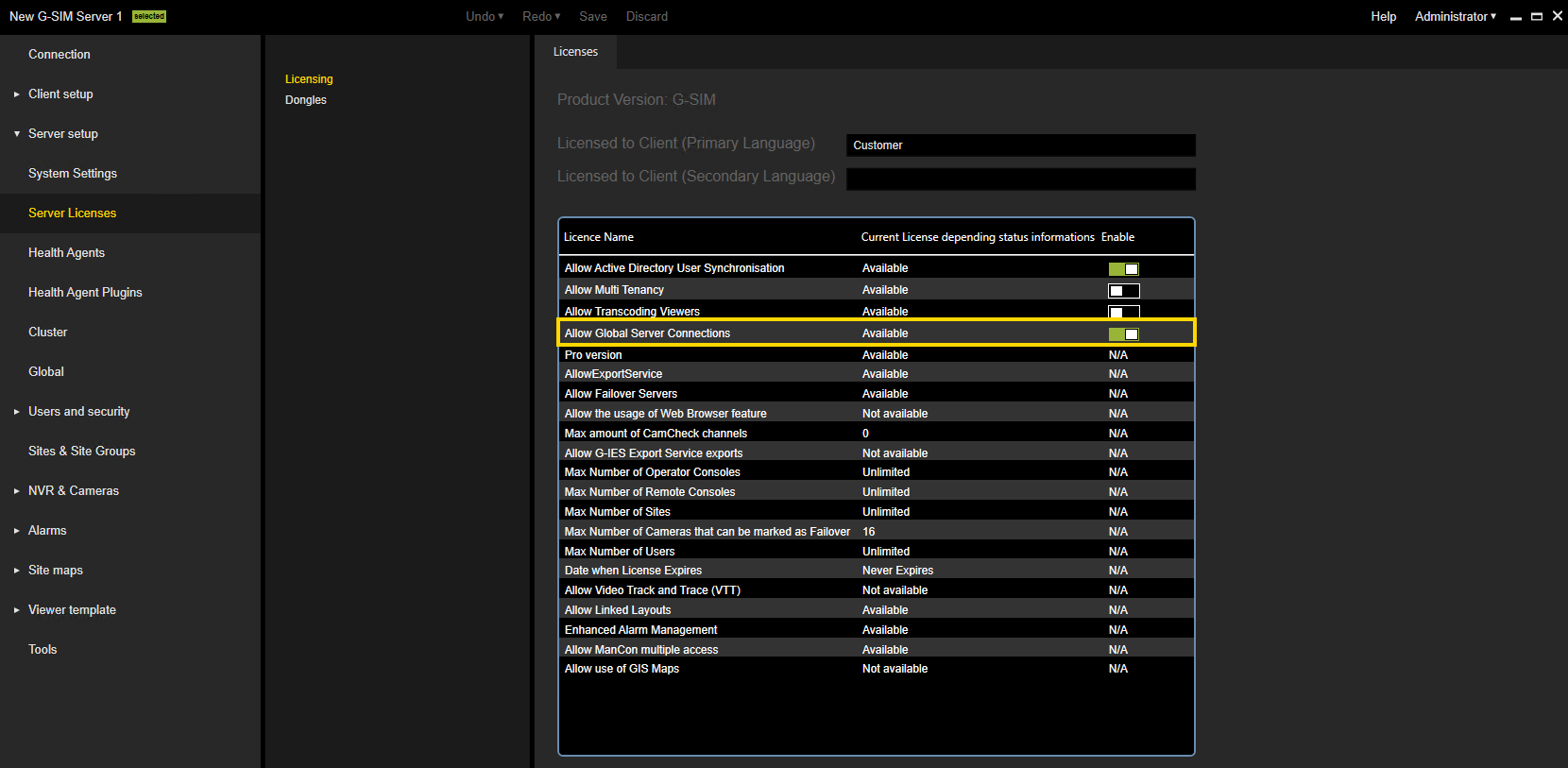
Allow Global Server Connections
To use G-SIM Global, enable the Allow Global Server Connections license in the Licensing dialog window.
-
The Global menu is available.
-
Additional Global functions are available in the Tools menu.
-
The Hide Remote option is available in the menu bar, allowing you to hide items from remote servers in the corresponding list.