Hotspot Templates
Settings
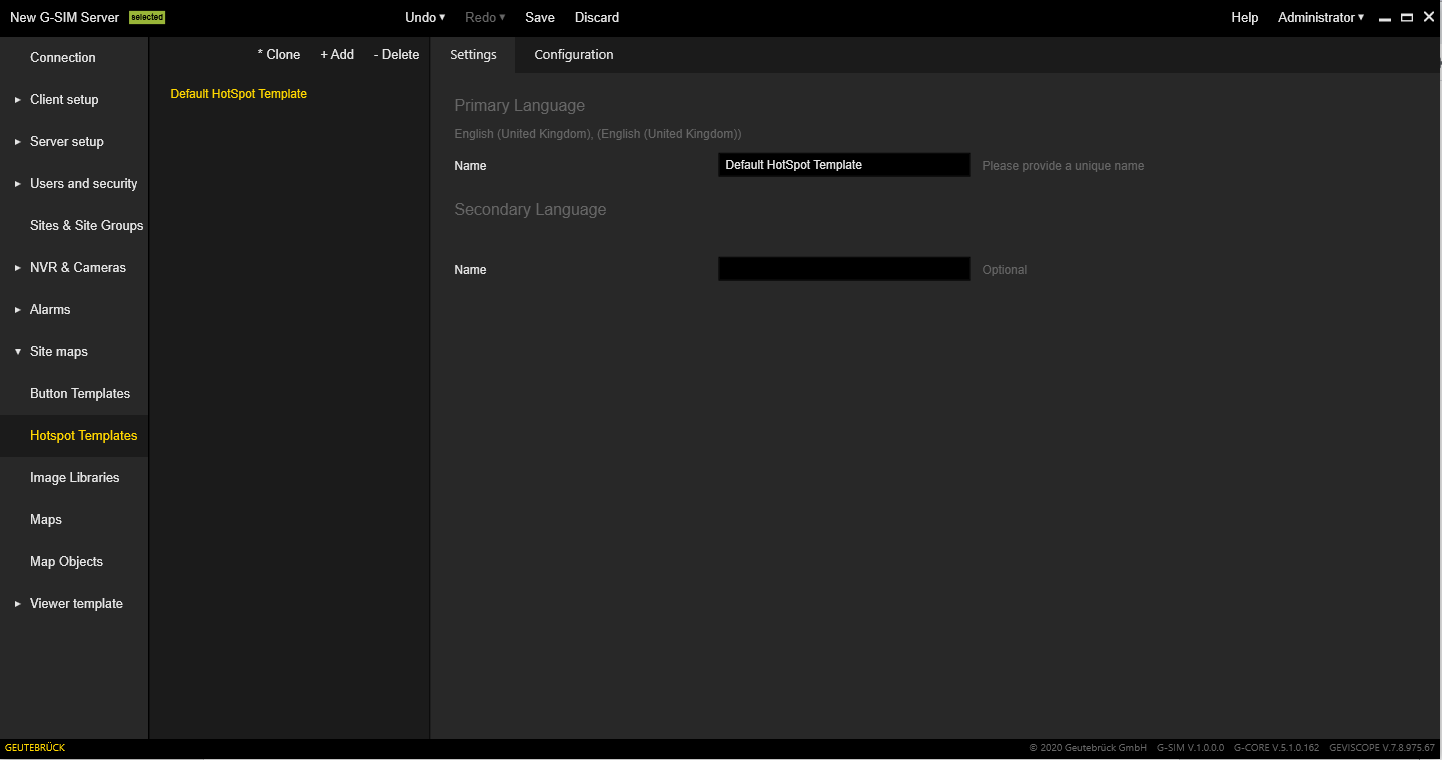
The Settings tab contains the setting of the name for the primary and secondary language. This allows you to specify a name for the selected hotspot template.
Configuration
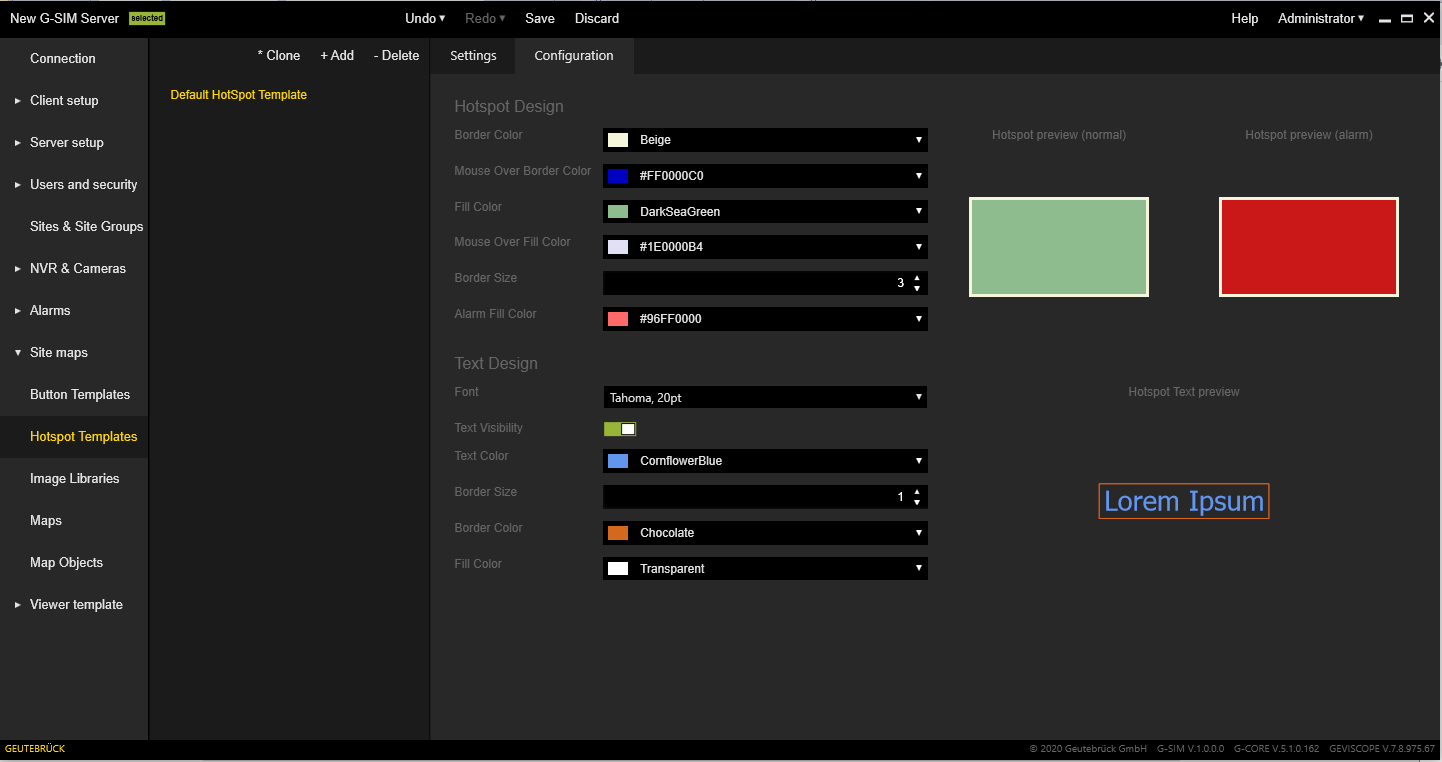
The Configuration tab contains the following setting sections:
|
Settings |
Description |
|---|---|
|
Hotspot design |
Contains a list of fields that configure the appearance of the hotspot body in normal and alarm conditions. |
|
Text design |
Contains a list of fields that configure the appearance of hotspot text. |
|
Hotspot preview (normal) / Hotspot preview (alarm) |
Shows the button for the normal and alarm state and the respective mouse state (the user should place the mouse cursor over the preview to activate it). |